What Is SaaS Sprawl? How to Find and Control Shadow SaaS
What SaaS sprawl and shadow SaaS are, how to find unmanaged SaaS apps in Google Workspace and Entra ID, and what a SaaS inventory should contain.

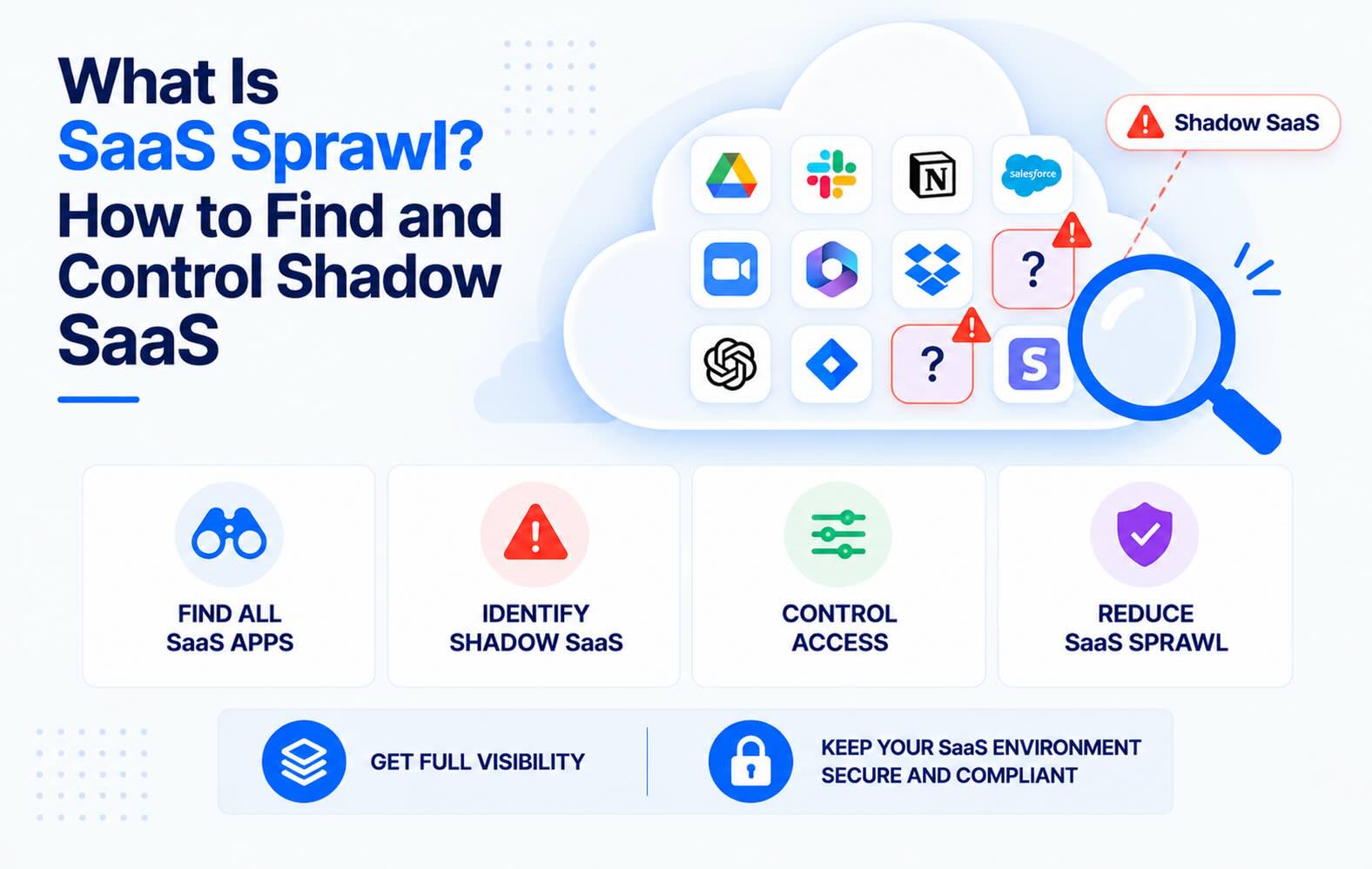
SaaS sprawl is what happens when a company runs more SaaS apps than anyone can list: tools bought by teams, trials that never ended, and apps employees connected with their work account. This guide explains where shadow SaaS comes from, how to find unmanaged SaaS applications in Google Workspace and Microsoft Entra ID, what a usable SaaS inventory contains, and how to keep it current.
- SaaS sprawl is an access problem, not only a cost problem. Every extra app holds company data, user accounts and often an OAuth token into mail or files. Unused licenses cost money; forgotten accounts and tokens are how data leaves.
- The average company runs 305 SaaS apps. That's the average in Zylo's 2026 SaaS Management Index; the median is 240. IT usually manages a fraction of them.
- Most shadow SaaS enters through "Sign in with Google" or "Sign in with Microsoft". Each sign-in leaves an OAuth grant in your identity provider, so the IdP is the best single place to start discovery.
- No single source finds everything. OAuth grants miss apps people signed up to with a password; expense data misses free tools. Combine the IdP with each app's own user list and finance data.
- An inventory is only useful with an owner per app. For each app, record who owns it, who has access, what data it reaches and when access was last reviewed.
What SaaS sprawl is
SaaS sprawl is the uncontrolled growth of SaaS applications in a company: more tools than the business needs, overlapping tools that do the same job, and apps no one in IT knows about. It builds up because buying SaaS takes a credit card and five minutes, and connecting it to company data takes one consent click.
Three terms get used together:
- SaaS sprawl: too many apps overall, managed or not. Duplicate tools, idle licenses and apps nobody owns any more.
- Shadow SaaS: the part of the sprawl IT doesn't know about. Apps employees signed up for or connected themselves.
- Shadow IT: the wider category, which also includes personal devices, unmanaged cloud accounts and, more recently, AI tools (see the shadow IT detection guide).
Why SaaS sprawl is a security problem
Most articles about SaaS sprawl talk about wasted licenses. The bigger cost is access.
- Every app is another set of accounts. When someone leaves, IT disables their Google or Entra account. Apps they signed up to with a password keep the account open, and apps with their own admin roles keep those too.
- OAuth tokens outlive the person who granted them. An app connected with "Sign in with Google" may have read access to that user's Gmail or Drive. The token keeps working until someone removes it.
- Company data spreads. The same customer list ends up in a CRM, two spreadsheet add-ons, a forms tool and an AI notetaker. Each copy has its own retention and its own breach risk.
- Nobody reviews what nobody owns. An app without an owner never gets an access review, never gets its admin list checked, and never gets turned off.
The 2025 Salesloft Drift breach showed how this plays out: attackers used OAuth tokens from a connected sales tool to pull data out of hundreds of customers' Salesforce instances (Google Threat Intelligence). Read more in third-party OAuth app risk.
Where shadow SaaS comes from
Shadow SaaS enters a company in four ways. Each one leaves different traces, which is why discovery needs more than one source.
- "Sign in with Google" or "Sign in with Microsoft". The employee signs up with their work account. This leaves an OAuth grant in Google Workspace or Entra ID, with the scopes the app asked for.
- Connecting an app to company data. A calendar scheduler, an email tracker, a Drive add-on or an AI assistant asks for access to mail, files or calendar. This is also an OAuth grant, usually with broad scopes. AI tools are the fastest-growing group here (see Claude connectors and ChatGPT apps).
- Sign-up with a work email and a password. No OAuth grant, so the IdP never sees it. You find these through the app's own user list, invitation emails or expenses.
- Expensed or card-paid subscriptions. A team lead pays for a tool on a corporate card. Finance sees it; IT often doesn't.
Google Apps Script projects are a fifth, less visible route in Google Workspace: scripts employees write or copy that run with their permissions. See how to audit Google Apps Script.
How to find unmanaged SaaS applications
SaaS discovery means pulling app lists from several sources and merging them.
- Identity provider OAuth grants. Finds: apps connected with Google or Microsoft sign-in, with scopes and users. Misses: password sign-ups.
- SSO / sign-in logs. Finds: apps behind SSO and how often they're used. Misses: anything not behind SSO.
- Expense and card data. Finds: paid tools, including password sign-ups. Misses: free tools and free trials.
- App user lists. Finds: every account inside an app you already know about, including ex-employees. Misses: apps you don't know about yet.
- Browser extension. Finds: most web apps employees open. Misses: unmanaged devices; needs deployment.
For most Google Workspace and Microsoft 365 companies, start with the identity provider. It covers the largest share of shadow SaaS, needs nothing installed on laptops, and shows what data each app can reach.
In Google Workspace
- In the Admin console, go to Security → Access and data control → API controls → Manage Third-Party App Access.
- Under Accessed apps, select View list. Each app shows how many users connected it and which Google services it can access. New grants can take 24–48 hours to appear.
- Sort by users and by services. Apps with Gmail or Drive access and only one or two users are often the shadow ones.
- For who connected what and when, use Reporting → Audit and investigation → OAuth log events.
In Microsoft Entra ID
- In the Entra admin center, go to Enterprise apps → All applications and filter by Application type: Enterprise applications.
- For each app, open Permissions and check the User consent tab. Those are grants employees gave themselves.
- Use Sign-in logs to see which apps are actually used, and by whom.
- Check Enterprise apps → Consent and permissions → User consent settings. If users can consent to any app, every new shadow app can reach mail and files without IT.
The native views give you a snapshot. To catch new apps as they appear, you need something that reads these logs on a schedule. Our OAuth app audit guide covers the full review.
What to put in a SaaS inventory
An application inventory template doesn't need dozens of columns. These are the ones that get used:
- App name and vendor. One row per app, not per subscription.
- Owner. A named person who decides who gets access and answers for the app. No owner usually means the app should go.
- How it's connected. SSO, OAuth grant, password sign-up, or several.
- Users. How many people have accounts, and whether any of them have left the company.
- Data it can reach. OAuth scopes such as Gmail read or Drive full access, plus what data people upload to it.
- Risk level. Based on the scopes and the data. An app with full Drive access is a different risk from one that only uses sign-in.
- Cost and renewal date. If it's paid, from finance.
- Last review date. When the owner last confirmed who should have access.
- Decision. Keep, replace with an approved tool, or remove.
A spreadsheet works for the first pass. It goes stale within weeks, because new apps are connected every day, so plan for how it gets updated.
How to manage SaaS sprawl
- Give every app an owner. Start with apps that have access to mail, files or customer data. Apps that nobody claims within a set deadline go on the removal list.
- Pick one approved tool per category. Three scheduling tools and two e-signature tools mean three times the accounts to review. Publish the approved list so people can find it before they sign up for something else.
- Change the defaults that let shadow SaaS in. In Google Workspace, set Unconfigured third-party apps to allow only basic sign-in, then configure the apps you approve. In Entra ID, require admin approval for apps that ask for more than basic sign-in permissions. This stops new apps reaching mail and files without blocking sign-in.
- Review accounts inside each app, not only in the IdP. Ex-employees often still have accounts in Slack, Jira or Zoom after their Google or Entra account is disabled. Use the user access review checklist.
- Add OAuth tokens and app accounts to offboarding. Disabling the IdP account isn't enough when the person signed up to apps with a password or granted tokens.
- Keep discovery continuous. Review new OAuth grants weekly and do a full inventory review each quarter.
FAQs
What is SaaS sprawl?
SaaS sprawl is the uncontrolled growth of SaaS applications in a company: more apps than the business needs, duplicate tools that do the same job, and apps that IT doesn't know about or that nobody owns. It increases costs through unused licenses and increases security risk through forgotten accounts and OAuth access to company data.
What is shadow SaaS?
Shadow SaaS is the set of SaaS apps employees use without IT approval or knowledge. It usually enters through Sign in with Google or Sign in with Microsoft, apps connected to mail, files or calendar, password sign-ups with a work email, and tools paid for on a corporate card.
What's the difference between SaaS sprawl and shadow IT?
SaaS sprawl is about the number of SaaS apps, including ones IT approved but no longer needs. Shadow IT is any technology used without IT approval, including SaaS, personal devices, cloud accounts and AI tools. Shadow SaaS is where the two overlap.
What causes SaaS sprawl?
Easy sign-up, team-level purchasing, free trials that turn into paid plans, tools that overlap after mergers or reorganisations, and no single owner per app. Default settings that let users connect any app to Google Workspace or Microsoft 365 make it worse.
How many SaaS apps does the average company use?
According to Zylo's 2026 SaaS Management Index, the average company runs 305 SaaS applications and the median is 240. Larger companies run many more.
How do you discover unmanaged SaaS applications?
Start with OAuth grants in your identity provider: Accessed apps in the Google Admin console and Enterprise apps in Microsoft Entra ID. Then add SSO sign-in logs, expense and card data, and the user lists inside the apps you already know about. Each source misses something, so combine them.
What should a SaaS inventory include?
For each app: name, owner, how it's connected (SSO, OAuth or password), number of users and any ex-employee accounts, the data and OAuth scopes it can reach, a risk level, cost and renewal date, last review date, and a keep, replace or remove decision.
How do you reduce SaaS sprawl without blocking teams?
Publish an approved tool per category, give every app an owner, and restrict only the risky part: let users sign in to new apps but require admin approval before an app can read mail, files or calendars. Remove apps with no owner and no recent use.
How does Synk.to help with SaaS sprawl?
Synk.to connects read-only to Google Workspace and Microsoft Entra ID, with no admin rights and nothing installed on devices. It lists every OAuth app, AI tool and Apps Script project your users connected, with who connected each one, the scopes granted and a Critical, High, Medium or Low risk tier. It alerts you to new risky apps, new risky scopes and orphan accounts, and its SaaS user access audit finds inactive and ex-employee accounts in Slack, Jira, Zoom and other apps. Start free.
Connect Google Workspace or Microsoft Entra ID read-only. Synk.to lists every account, OAuth app and AI tool, and flags inactive, orphaned and ex-employee accounts. $1 per user per month.