Shadow IT Detection Guide: How to Find Every Unauthorized SaaS
A practical 2026 guide to shadow IT detection: the discovery methods that work, a step-by-step playbook for Google Workspace, Microsoft Entra ID, Slack, and GitHub, and how to build an ongoing detection process.

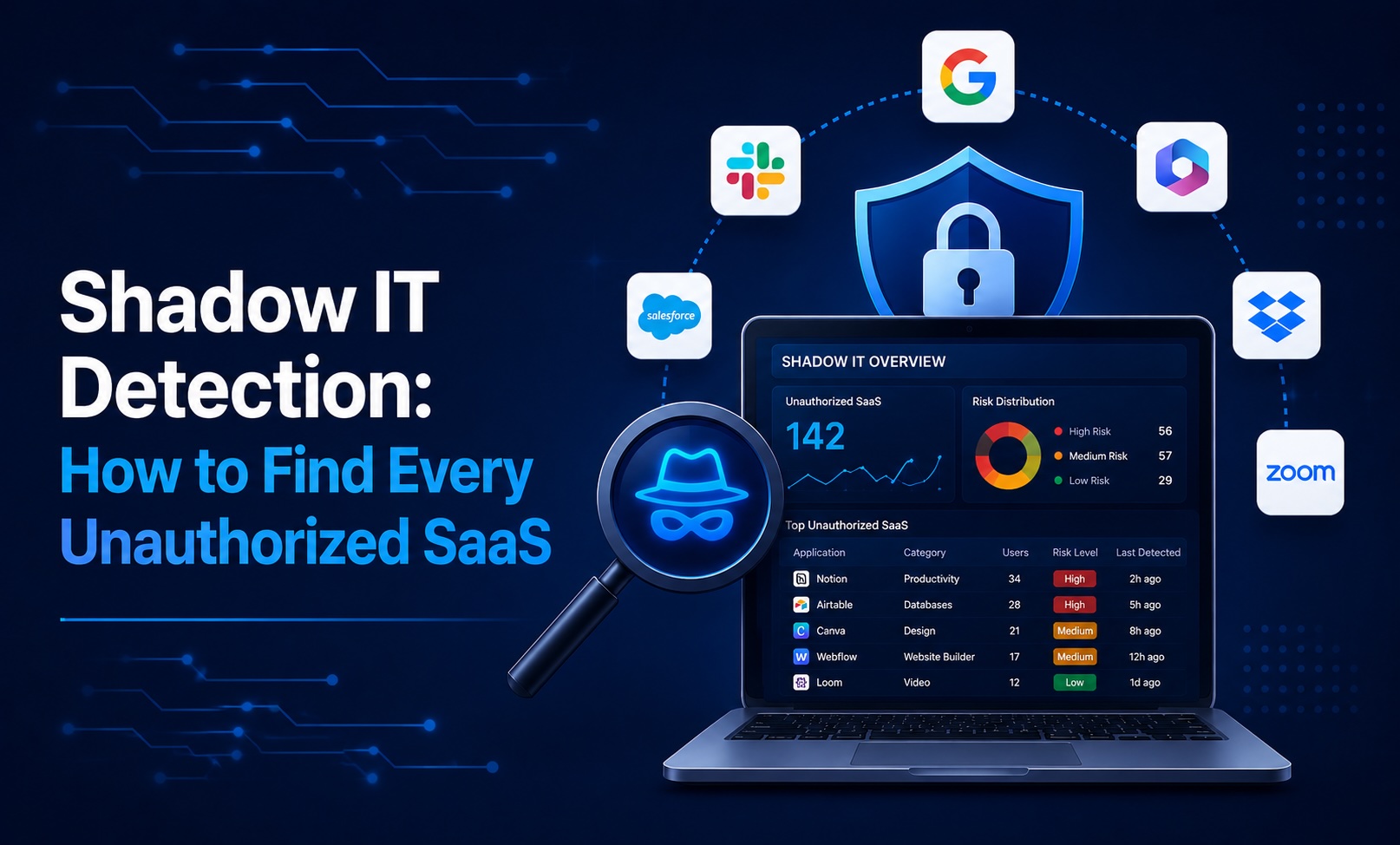
Shadow IT detection is the practice of discovering every SaaS application, OAuth grant, and AI tool connected to your environment without IT approval — and doing it continuously, not once a year. This guide walks through the methods that work in 2026 and a step-by-step playbook for Google Workspace, Microsoft Entra ID, and the rest of your stack.
- Shadow IT detection means building an authoritative, continuously updated inventory of every app, OAuth grant, and AI agent touching company data — including the ones nobody told IT about.
- The hard part in 2026 isn't finding the app someone bought on a credit card. It's finding the free, OAuth-connected agent that was granted Gmail and Drive scopes and then forgotten.
- No single signal catches everything. Effective detection blends OAuth/SSO graph analysis, browser discovery, network traffic, and financial data — at least three of the four.
- The fastest path to a baseline is an identity-first scan of your IdP: it surfaces OAuth grants and the users who consented in minutes, with no endpoint agent.
- Detection is only step one. A real program pairs discovery with a recurring review cadence and a remediation workflow so the inventory stays accurate.
What Shadow IT Detection Actually Means
Shadow IT detection is the process of identifying applications, OAuth grants, browser extensions, and AI tools that access company data without explicit IT or security approval. The goal is a single, trustworthy inventory: what is connected, who connected it, what data it can reach, and how risky that access is.
It is worth separating two related terms that often get used interchangeably:
- Discovery is the one-time act of finding what's out there — the first scan that turns “we have no idea” into a ranked list.
- Detection is the ongoing capability — catching the new OAuth grant the day it's authorized, not at the next quarterly audit.
A mature program does both. A free scanner gives you discovery; continuous monitoring gives you detection. If you only ever run the one-time scan, your inventory is stale within weeks because employees keep connecting new tools.
Why Shadow IT Detection Is Hard in 2026
The cost of adopting a new tool has collapsed to a single “Sign in with Google” click, and three structural shifts have made the resulting sprawl genuinely hard to see:
OAuth grants are invisible to the tools most teams already own. A classic CASB inspects network traffic; an SSO portal sees the apps you configured. Neither sees an employee clicking “Allow” on an OAuth consent screen that hands a third-party app full mailbox access. That grant bypasses MFA, doesn't expire, and produces no DLP log line.
Shadow AI moves faster than humans can review it. A single employee enabling an AI meeting-note tool can stream every customer call into a third-party model provider. AI-adjacent tools are now one of the largest categories surfaced in discovery scans, and they typically request exactly the broad read scopes (Gmail, Drive, calendar, transcripts) that carry the most risk.
Free and personal-account tools leave no financial trail. Finance-led discovery catches the SaaS subscription on the corporate card. It misses the free tier, the personal Dropbox holding a signed contract, and the browser extension reading every page.
The detection gap is therefore structural: each signal has a blind spot. Network sees traffic but not identity. Spend sees paid but not free. SSO sees sanctioned but not bypassed. A 2026-grade program has to combine them.
Shadow IT Detection Methods Compared
There are five primary discovery methods. Most credible platforms blend several; understanding the trade-offs helps you read vendor claims critically.
MethodWhat it seesBlind spotsDeployment costOAuth / SSO graph analysisEvery third-party app granted access to your IdP, the scopes, and the users who consentedApps that never touch your IdP (no “Sign in with Google”)Low — API connection, minutesBrowser-based discoverySaaS apps employees actually visit, even with personal accountsBYOD/unmanaged devices; requires extension rolloutMedium — managed extension deploymentNetwork traffic analysisDNS/egress calls to known SaaS endpoints from managed devicesOAuth grants (no traffic signal); off-network and BYODHigh — SASE/SWG/firewall integrationFinancial discoveryPaid SaaS subscriptions outside the IT catalogFree tools, OAuth-only apps, personal-funded purchasesLow–medium — expense/ERP integrationEmail signal miningNew accounts created with corporate email (welcome/reset emails)Apps that send no notification emailLow — mailbox API connection
The practical takeaway: start with OAuth/SSO graph analysis because it has the lowest deployment cost and catches the highest-risk modern threat (over-permissioned grants), then layer browser or financial discovery to close the remaining gaps.
Step-by-Step: How to Detect Shadow IT in Your Stack
You can baseline most of your exposure today using native admin tooling, then move to a continuous platform for ongoing detection.
Google Workspace
- In the Admin Console, go to Security → Access and data control → API controls → App access control → Manage Third-Party App Access.
- Review every app marked Trusted, Limited, or Unconfigured. Pay attention to apps with access to Gmail, Drive, and Calendar scopes.
- Use the Token audit (in the security investigation tool, or via the Admin SDK tokens API) to list every OAuth token, the user, and the scopes granted.
- Flag apps with read/write mailbox or Drive scopes, apps with only one or two users, and apps you don't recognize. Revoke dormant grants.
Microsoft 365 / Entra ID
- In the Entra admin center, open Enterprise applications and App registrations to list every application with a presence in your tenant.
- Review Permissions and admin consent grants per app — especially any with Mail.Read, Files.Read.All, or directory-wide scopes.
- Check the Audit logs for “Consent to application” events to see who authorized what and when.
- Restrict end-user consent (Enterprise applications → Consent and permissions) so future grants route through an admin-consent workflow.
Slack, GitHub, and other connected systems
- In Slack, review Settings & administration → Manage apps for installed apps and their scopes.
- In GitHub, audit Organization settings → Third-party access and OAuth app / GitHub App authorizations.
- For each, record the app, owner, scopes, and last-used date; revoke anything dormant.
Doing this by hand gives you a snapshot. The challenge is that it's stale the moment a new grant appears — which is why most teams move to a tool that reads these signals continuously. Our best shadow IT detection tools guide compares the leading platforms; for the OAuth-specific deep dive, see the OAuth app audit guide.
How to Detect Shadow AI Specifically
Shadow AI is the fastest-growing and highest-risk subset of shadow IT, and it hides in the same place: OAuth grants. The detection move is to filter your grant inventory for AI-indicative signals:
- Apps requesting broad read scopes (Gmail read, Drive read, calendar, meeting transcripts) without an obvious productivity reason.
- Recently authorized apps from publishers you can't identify.
- Browser extensions and copilots that read page content.
Because AI tools exfiltrate data to third-party model providers the instant they're connected, treat any new AI grant as review-worthy by default. For a deeper treatment, see Shadow AI Detection.
Building an Ongoing Shadow IT Detection Process
A one-time scan ages out fast. The teams that keep shadow IT under control operationalize detection:
- Run a 90-day OAuth audit cadence at minimum, reviewing every grant in Google Workspace and Entra ID and revoking the dormant and over-scoped.
- Make OAuth revocation an offboarding step — revoke every grant a departing employee created, not just their account.
- Set scope-based policies, not app allow-lists. “Any app requesting Gmail or Drive read must be reviewed” scales; maintaining a list of approved apps does not.
- Route findings into procurement. Most shadow IT is an employee solving a real problem with the fastest available tool. Use the discovery report to fund the sanctioned version.
- Alert on new and high-risk grants so detection happens the day of consent, not at the next audit.
FAQs
What is shadow IT detection?
Shadow IT detection is the process of discovering and continuously monitoring every application, OAuth grant, browser extension, and AI tool that accesses company data without IT approval. The output is a single inventory showing what is connected, who connected it, what data it can reach, and how risky that access is.
How do you detect shadow IT?
Combine multiple discovery signals: OAuth/SSO grant analysis from your identity provider, browser-based discovery, network traffic inspection, financial/expense data, and email signal mining. The most reliable approach starts with OAuth/SSO graph analysis (lowest effort, catches the highest-risk grants) and layers additional signals to close blind spots.
Can I detect shadow IT without a CASB?
Yes — and for most cloud-first organizations on Google Workspace or Microsoft Entra ID, an identity-first approach is more effective. CASBs see network traffic but miss OAuth grants entirely, which is where most modern risk lives. Identity-first detection reads grants and scopes directly from the IdP.
How often should I scan for shadow IT?
Run a full review at least every 90 days, and use a tool that alerts on new or high-risk OAuth grants in between so detection is continuous rather than quarterly. Always revoke grants as part of offboarding.
How do small businesses detect shadow IT on a budget?
Start with the native admin tooling in Google Workspace or Microsoft 365 to baseline OAuth grants, then use a free OAuth/shadow IT scanner for a ranked inventory. Free scanners connect via OAuth in minutes and require no endpoint agent or professional services.
What's the difference between shadow IT discovery and detection?
Discovery is the one-time act of finding what's connected; detection is the ongoing capability of catching new grants as they happen. A complete program does both — a scan for the baseline, continuous monitoring to keep it accurate.
How does Synk.to detect shadow IT?
Synk.to connects to Google Workspace or Microsoft Entra ID via OAuth in under five minutes and produces a complete inventory of every third-party app, the users who consented, the scopes granted, and a per-app risk score. The free scanner requires no credit card; paid tiers add continuous monitoring, automated user access reviews, and identity sync across your connected systems. Start free.