Shadow AI Detection: How to Find Unsanctioned AI Tools
Shadow AI is the fastest-growing subset of shadow IT in 2026. Learn how to detect unsanctioned AI tools, copilots, and OAuth-connected AI agents in Google Workspace, Microsoft 365, and the rest of your SaaS stack.

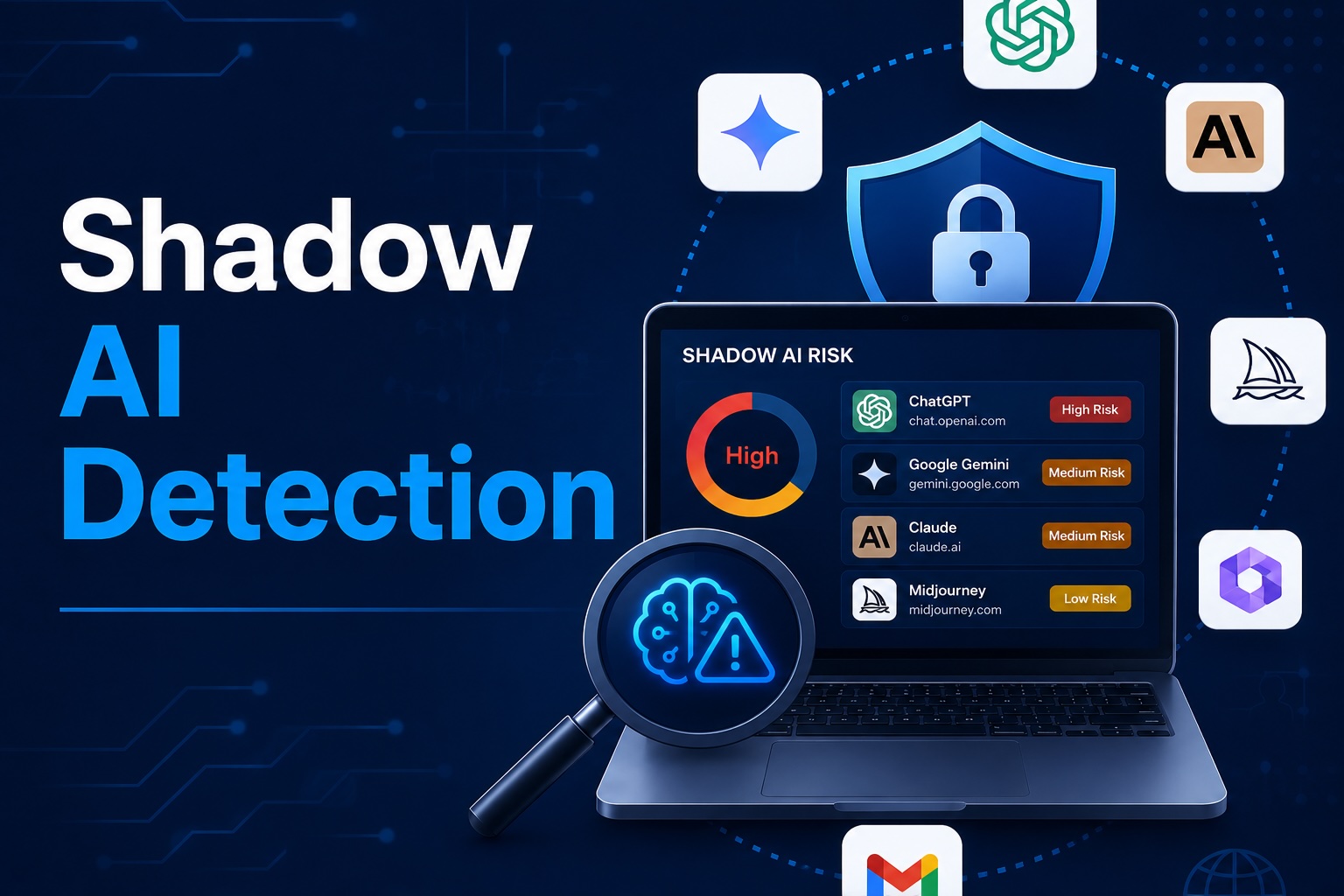
Shadow AI is the version of shadow IT that arrived three years faster than anyone in security was ready for. Employees are connecting AI tools to corporate accounts at a pace that procurement, IT, and security can't review, with scopes broad enough to ship the entire knowledge base of the company to a third-party model provider. Detecting it is now a top-three priority for IT and security teams in 2026.
- Shadow AI is the subset of shadow IT covering AI tools, copilots, summarizers, and OAuth-connected AI agents adopted by employees without IT or security approval.
- It is the fastest-growing category of shadow IT in 2026. Roughly half the apps Synk.to discovers in customer scans during the last twelve months are AI-adjacent.
- The risk profile is qualitatively different from traditional shadow IT. AI tools typically request broad read scopes (Gmail read, Drive read, calendar read, meeting transcripts) and exfiltrate data to third-party LLM providers that fall outside your DLP and SIEM.
- Detection requires combining OAuth, browser, financial, and sign-in signals — no single discovery method is sufficient.
- Synk.to detects shadow AI across Google Workspace and Microsoft Entra ID environments with a free scanner that produces a complete inventory in under five minutes, including AI scope risk scoring.
What Is Shadow AI?
Shadow AI is any AI-powered tool, agent, copilot, or browser extension that handles company data without explicit IT or security approval. It includes:
- Browser-based AI assistants employees access at chatgpt.com, claude.ai, perplexity.ai, or similar — usually with a personal account but pasting in work data.
- OAuth-connected AI agents that have been granted Drive, Gmail, calendar, or transcript access.
- AI meeting note-takers like Otter, Fireflies, Read, and Gong that read calendar events and transcribe customer calls.
- AI summarizers and writing assistants embedded as browser extensions or sidebar panels.
- Copilots inside other SaaS apps (Microsoft Copilot, Google Gemini, Notion AI, Slack AI) where the copilot is sanctioned but the use cases inside it are not.
- Custom AI agents built by individual employees or teams using OpenAI, Anthropic, or other APIs — often with API keys hardcoded into scripts.
Shadow AI is shadow IT, but it moves faster and exfiltrates data through a category your security stack was not designed to monitor.
Why Shadow AI Is the Fastest-Growing Subset of Shadow IT in 2026
Three forces have made shadow AI a top-three priority for IT and security teams this year:
Adoption is bottom-up. The fastest AI-curious employees in any organization are not waiting for procurement. They sign in with their corporate Google or Microsoft account, click “Allow” on a consent screen requesting calendar read and Drive read, and the AI tool is live in 90 seconds. By the time IT learns the tool exists, dozens of employees may already have authorized it.
Data flows to third-party LLM providers. Unlike traditional shadow IT, where data sits inside the unsanctioned SaaS, shadow AI exfiltrates content to a model provider on every prompt. Your DLP does not see the data crossing the boundary because it crosses inside a sanctioned SaaS API call. Your SIEM does not log it because the action looks like a legitimate user interaction.
Compliance frameworks are catching up. The NIST AI Risk Management Framework, the EU AI Act, and updates to ISO 27001 all now require an inventory of AI systems handling regulated data — even ones an employee enabled on a free tier without telling anyone.
Five Categories of Shadow AI
Most teams find it useful to think of shadow AI in five distinct categories. Each has a different detection signal and a different remediation path.
1. OAuth-Connected AI Agents
The classic shadow AI risk: an employee authorizes a tool like Otter, Read.ai, Granola, Fireflies, Fathom, or a custom GPT agent against Google Workspace or Microsoft 365. The grant gives the tool ongoing access to calendar, transcripts, Drive, or mail.
Detection: OAuth inventory in the IdP. This is the highest-fidelity signal you have.
2. Browser-Based AI Tools (No OAuth)
An employee opens chatgpt.com, claude.ai, gemini.google.com, or perplexity.ai, signs in with a personal account, and pastes work content into the prompt. There is no OAuth grant. There is no expense record.
Detection: Browser extension, network egress logs, or a managed browser policy.
3. AI Browser Extensions
Tools like Monica, Merlin, ChatGPT for Google, Claude Extension, HARPA, and a long tail of summarizers install as Chrome or Edge extensions and read page content silently.
Detection: Browser extension inventory pushed by managed Chrome / Edge policy, or via an EDR with browser-extension visibility.
4. Embedded AI Inside Sanctioned SaaS
Microsoft Copilot, Google Gemini for Workspace, Notion AI, Slack AI, Salesforce Einstein, and similar are sanctioned at the platform level — but the use cases inside them often are not. An employee asking Copilot to summarize all customer emails is operating in shadow even though the platform is approved.
Detection: Per-feature usage logs inside the sanctioned platform (most platforms now expose AI activity in their audit log).
5. Custom-Built AI Agents
An individual engineer or team builds a workflow with the OpenAI or Anthropic API, often with an API key hardcoded into a script or a Zapier-like flow. The agent reads from Drive, posts to Slack, or watches an inbox.
Detection: Secrets scanning, API key inventory, and OAuth audit (the agent often holds an OAuth grant against the SaaS it touches).
How Shadow AI Differs from Traditional Shadow IT
The detection playbook for shadow IT mostly works for shadow AI — with three important adjustments.
- Scope-level risk matters more than app-level risk. A spreadsheet app with Drive read might be benign. An AI summarizer with Drive read is a continuous data-exfiltration pipe. Score the scope plus the app's data destination, not just the app.
- The data crosses the boundary inside a sanctioned API call. Network DLP misses it. CASBs miss it. Identity-first detection that watches OAuth grants is the only reliable signal for the API-driven category.
- Adoption velocity is 10× faster. Quarterly audits are not enough — an AI tool can go from one user to fifty in a week. Continuous monitoring with alerting on new AI-related scopes is required.
How to Detect Shadow AI: Five Signal Types
No single discovery method catches every category. Run all five signals concurrently and correlate.
- OAuth and SSO graph. Pull every third-party app from Google Workspace and Microsoft Entra ID, filter for AI-related publishers, and flag any app holding Gmail read, Drive read, calendar read, or transcript scopes.
- Browser extension inventory. Via managed Chrome policy or EDR, list every extension installed on every endpoint. Filter for AI-related categories.
- Network egress and DNS logs. From your SASE, secure web gateway, or firewall, list outbound calls to known AI provider domains. Useful even when the user signs in with a personal account.
- Expense and financial data. Parse corporate card statements for AI tool subscriptions outside the IT catalog.
- Email signal mining. Welcome and password-reset emails to corporate addresses reveal new AI accounts created with work credentials.
Detecting Shadow AI in Google Workspace
Step-by-step
- Sign in to admin.google.com as a Super Admin.
- Open Security → Access and data control → API controls → Manage Third-Party App Access.
- Sort apps by access level. Look for apps with Gmail full, Drive full, Calendar read, or Meet recording access.
- Cross-reference the publisher domain with known AI vendors (otter.ai, fireflies.ai, read.ai, granola.ai, fathom.video, etc.).
- For browser-based AI, push a managed Chrome policy that inventories installed extensions and surfaces AI-related ones via the Chrome Enterprise Premium reporting console.
What to flag
- Any AI tool with Gmail.readonly, Gmail.modify, Drive.readonly, Drive or Calendar that has not been reviewed by security.
- Apps requesting Meet recording access, which surfaces customer call content to third-party transcription services.
- AI tools authorized by users in regulated functions (finance, HR, legal) where data sensitivity is highest.
Detecting Shadow AI in Microsoft Entra ID and Microsoft 365
Step-by-step
- Sign in to the Microsoft Entra admin center as a Global Admin or Security Admin.
- Open Applications → Enterprise applications, filter to third-party apps.
- Sort by permissions and surface anything holding Mail.Read, Files.Read.All, Calendars.Read, or OnlineMeetings.Read.All.
- For organizations on Microsoft Defender for Cloud Apps, the App Governance module now ships an AI app inventory with risk scoring — use it as the primary surface.
- For Microsoft 365 Copilot governance, open Microsoft Purview → Data Security Posture Management for AI to surface internal Copilot use that may be exposing sensitive data.
What to flag
- AI tools consented to by individual users rather than admin-consented (a common shadow AI pattern).
- Apps with Mail.Read or Files.Read.All from publishers without Microsoft Publisher Verified status.
- Newly registered apps with AI-related publisher names that hold tenant-wide application permissions.
Risk Patterns to Watch For
Across platforms, a small set of patterns indicate higher-risk shadow AI:
- Broad read scopes with no write scope. An AI summarizer doesn't need to write — it needs to read. Read-only apps with mail or Drive scope are almost always AI tools.
- Calendar plus meeting transcript access together. The combination of Calendars.Read and meeting recording or transcript access is the signature of an AI note-taker.
- Sign-ins from unusual geographies. Many AI startups operate in a small number of cloud regions; sign-ins from somewhere your business has no presence is worth investigating.
- Rare community use. An app authorized by a small number of users in your tenant that is not commonly found across peer organizations may be a custom-built or targeted tool.
- API key proliferation in source code. Secrets scanners surfacing OpenAI or Anthropic API keys in repos often indicate custom-built AI agents.
Shadow AI Policy: A Five-Step Framework
Detection without policy is just inventory. The teams that get shadow AI under control follow a small set of recurring rules:
- 1. Maintain an explicit allow-list of approved AI tools. Be specific. “AI tools are allowed” is not a policy. “Otter, Microsoft Copilot, and ChatGPT Enterprise are approved; everything else requires review” is.
- 2. Classify data by AI eligibility. Make it explicit which data classes (public, internal, confidential, restricted) can be processed by which AI tools. Sales call transcripts may be okay for Otter Business; customer PII almost certainly is not.
- 3. Require IT approval before connecting new AI tools to corporate accounts. Tie this into the OAuth consent policy in your IdP — in Google Workspace and Microsoft Entra ID, you can require admin approval for any app requesting sensitive scopes.
- 4. Include AI tools in offboarding. Revoke every OAuth grant a departing employee created, not just their primary SSO account. Audit any shared workspace AI tools they were the original owner of.
- 5. Run continuous detection, not just quarterly audits. Adoption velocity for AI tools is too fast for a 90-day cadence. Alert on every new AI-scoped app authorization in real time.
How Synk.to Detects Shadow AI and AI Agents
Synk.to was built from day one to treat AI agents, OAuth grants, and human users as part of one identity graph. The free scanner connects to Google Workspace or Microsoft Entra ID via OAuth in under five minutes and produces a complete shadow AI inventory:
- Per-app, per-user, per-scope inventory with risk scoring tuned for AI scopes (Drive read, mail read, calendar read, transcript access).
- Publisher classification that distinguishes AI vendors from generic SaaS, making it easy to filter the inventory to AI-only.
- Continuous monitoring and alerting when new AI-scoped apps are authorized in your tenant.
- One-click revocation with the option to notify the user that authorized the app.
- AI agent identity treatment — non-human identities including custom AI agents are surfaced and governed alongside human users.
The scanner does not require a credit card and is the fastest way to baseline your shadow AI exposure before deciding on a paid governance program.
Final Thoughts
Shadow AI is shadow IT compressed into a six-month timeline. The detection problem looks similar — OAuth grants, browser activity, scope-level risk — but the urgency is higher because the data exfiltration happens inside what your SIEM sees as legitimate user behavior, and because adoption velocity exceeds quarterly audit cadences.
The two things that work in 2026: identity-first detection that watches OAuth grants in real time, and an explicit AI tool policy that gives employees a fast, approved path so they don't go around IT to begin with. The fastest way to baseline where you stand is the free Synk.to scanner — five minutes, no credit card, complete inventory of every AI agent connected to your tenant.
FAQs
What is shadow AI?
Shadow AI is any AI tool, agent, copilot, summarizer, or browser extension that handles company data without explicit IT or security approval. It is the fastest-growing subset of shadow IT in 2026.
How is shadow AI different from shadow IT?
Shadow IT typically refers to unsanctioned SaaS apps. Shadow AI is the subset of shadow IT where the unsanctioned tool is AI-powered and exfiltrates data to a third-party model provider on every prompt. The risk profile is different because traditional DLP and SIEM tools don't see data crossing the boundary inside a sanctioned API call.
What are common examples of shadow AI?
OAuth-connected AI agents like Otter, Fireflies, Read.ai, and Fathom; browser-based AI tools like ChatGPT, Claude, and Perplexity used with personal accounts on work content; AI browser extensions (Monica, Merlin, ChatGPT for Google); and custom AI agents built with the OpenAI or Anthropic APIs.
How do I detect shadow AI in Google Workspace?
The fastest method is the OAuth inventory under admin.google.com → Security → Access and data control → API controls → Manage Third-Party App Access. Filter for apps with Gmail read, Drive read, Calendar read, or Meet recording scopes, then cross-reference the publisher domain against known AI vendors.
How do I detect shadow AI in Microsoft 365?
Use Microsoft Entra admin center → Applications → Enterprise applications filtered for third-party apps, and sort by permissions. Apps with Mail.Read, Files.Read.All, Calendars.Read, or OnlineMeetings.Read.All are the high-risk shadow AI candidates. Microsoft Defender for Cloud Apps' App Governance module now ships dedicated AI inventory and risk scoring.
Are AI browser extensions a major risk?
Yes. They read page content silently, which can include customer data, contracts, and credentials. Inventory them via managed Chrome / Edge policy or EDR. The risk is highest on shared workstations and BYOD devices that don't ship through corporate management.
What scopes do AI tools usually request?Read-heavy: Gmail read, Drive read, Calendar read, meeting transcript and recording access, and sometimes Files.Read.All at the Microsoft Graph level. Read-only scopes are not low-risk for AI tools — the read is what enables the data exfiltration.
How does Synk.to detect shadow AI?
Synk.to connects to Google Workspace or Microsoft Entra ID via OAuth in under five minutes and produces a complete per-app, per-user, per-scope inventory with AI-tuned risk scoring, continuous monitoring, and one-click revocation. The free scanner requires no credit card.