How to Audit Third-Party OAuth Apps
A step-by-step OAuth app audit guide for Google Workspace, Microsoft Entra ID, Slack, GitHub, and Salesforce. Learn which scopes to flag, how often to audit, and how to scale beyond a spreadsheet.

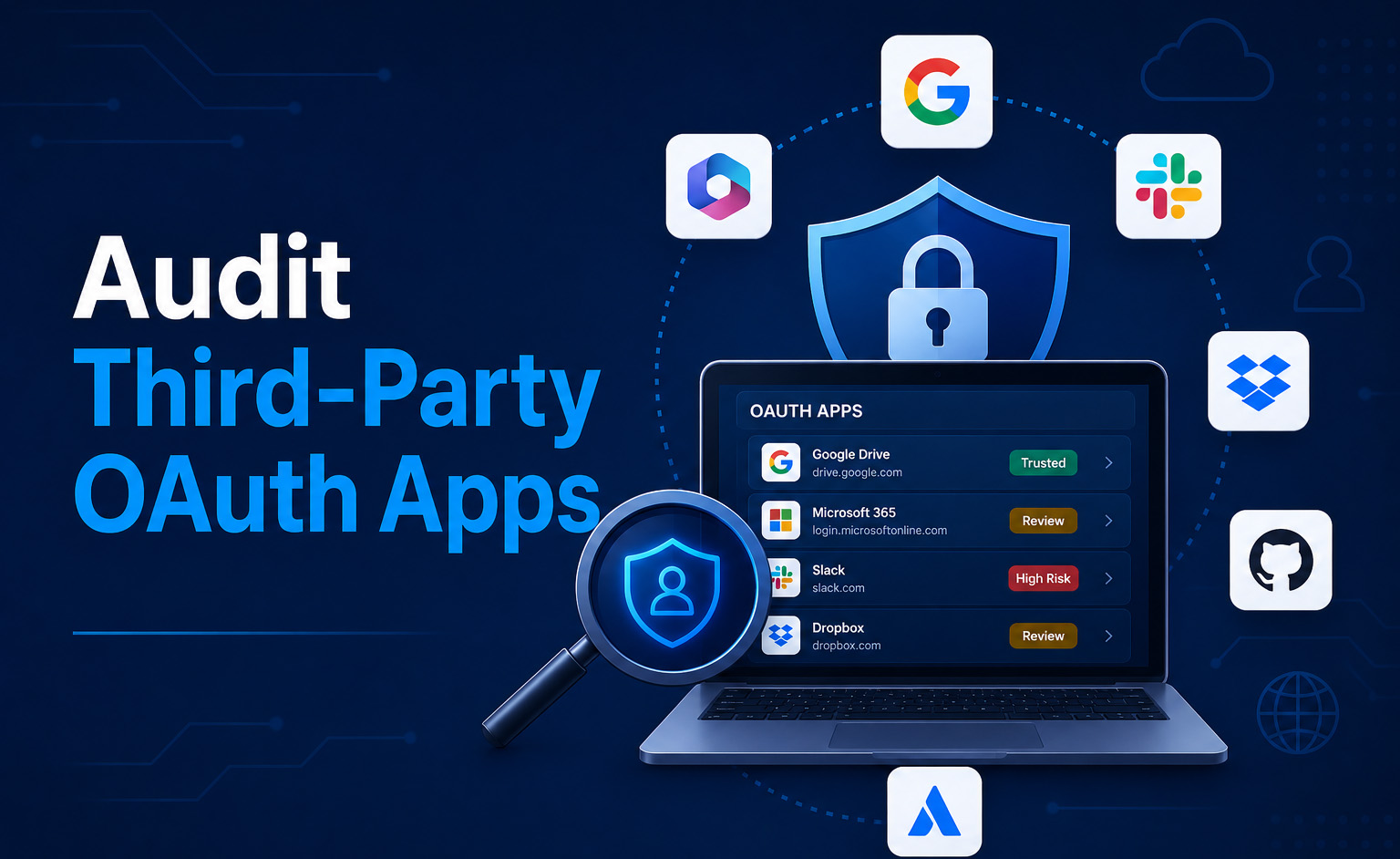
Auditing third-party OAuth apps used to be an annual checklist item buried at the bottom of an IT runbook. In 2026, with consent phishing now the preferred technique for getting into a SaaS tenant, an OAuth audit is the single most important security review your team will run this quarter.
- An OAuth grant lets a third-party app act on a user's behalf inside Google Workspace, Microsoft 365, Slack, GitHub, Salesforce, and almost every modern SaaS platform.
- Unlike passwords, OAuth tokens bypass MFA, do not expire, and stay valid until explicitly revoked. A single compromised app can read every message, file, or calendar entry in a tenant.
- Consent phishing has replaced credential phishing as the dominant SaaS attack technique. Red Canary, Push Security, and Obsidian have all documented 2025-2026 incidents that began with one user clicking “Allow” on a malicious OAuth consent screen.
- This guide walks through the audit step-by-step for the five platforms that hold the most OAuth-accessible data in most organizations: Google Workspace, Microsoft Entra ID / Microsoft 365, Slack, GitHub, and Salesforce.
- Synk.to automates this audit end-to-end with a free OAuth and Shadow IT scanner that produces a complete grant inventory in under five minutes.
What an OAuth Grant Actually Gives an App
When a user clicks “Sign in with Google” or “Allow” on a third-party app's consent screen, four things happen at once:
- An OAuth token is issued tying the app to that user's identity in the SaaS platform.
- One or more scopes are granted — permissions like “read your email,” “manage your Drive files,” or “post to channels on your behalf.”
- A refresh token is created that lets the app keep generating new access tokens indefinitely, without the user logging in again.
- MFA is bypassed for any subsequent action the app takes — from the platform's perspective, the app is the user.
That last point is the one most security teams underestimate. Once an OAuth token exists, the multi-factor authentication that protects user logins is no longer in the loop. The app calls the platform's API directly with the refresh token; it never sees the login screen, never types a password, never receives an MFA prompt.
Why a Quarterly OAuth Audit Is Non-Negotiable in 2026
Three trends have moved OAuth audits from “good hygiene” to “required control” in the past eighteen months:
1. Consent phishing is the dominant SaaS attack technique. Phishing emails that ask the user to authorize a malicious OAuth app bypass MFA, sandbox detection, and SSO controls. The user is the one clicking “Allow,” so most security tooling treats the action as legitimate. Red Canary's writeup of the malicious Google Workspace OAuth supply-chain attack is essential reading on this.
2. AI tools request unprecedented scopes. A standard meeting-note AI tool asks for Drive read, Gmail read, calendar read, and transcription access — collectively enough scope to exfiltrate the entire knowledge base of a company. AI summarizers, copilots, and OAuth-connected agents now dominate the top of most organizations' high-risk app lists.
3. Compliance frameworks now name OAuth explicitly. SOC 2 Type II, ISO 27001:2022, and the NIST AI Risk Management Framework all require an authoritative inventory of systems handling regulated data — including those connected by OAuth. “We didn't know about it” is no longer an acceptable answer in an audit.
What a Good OAuth Audit Covers
Across every platform, a defensible OAuth audit answers the same six questions for each grant:
- What is the app? Publisher, verification status, and whether it is a known SaaS vendor or a custom build.
- Which user authorized it? Still employed? Still in the role that needed the app?
- What scopes does it hold? Read-only, full read, read-write, send-as, admin-level?
- When was it authorized? Dormant grants more than 90 days unused are the highest-value cleanup targets.
- How widely is it used in the tenant? An app with one user that holds Gmail full read is far riskier than an app every employee has connected.
- Should it still exist? If yes, document it. If no, revoke it.
How to Audit Third-Party OAuth Apps in Google Workspace
Google Workspace exposes OAuth grants under the admin console's API controls section. The audit takes 15-30 minutes for a typical mid-market tenant.
Step-by-step
- Sign in to admin.google.com as a Super Admin.
- Navigate to Security → Access and data control → API controls.
- Open App access control → Manage Third-Party App Access. This shows every third-party OAuth app in your tenant, with the count of users who have authorized it.
- Click Configured apps for the full inventory, then sort by access level. Apps in the Trusted bucket can read or send mail; Limited apps have narrower scopes.
- For each app, click into the detail view to see exact scopes (Gmail full access, Drive full access, Calendar read, etc.) and the user list.
- For deeper threat hunting, run a Token Audit report under Reporting → Audit and investigation → Token log events. Filter by “new app authorization” events in the last 90 days.
What to flag
- Any app holding Gmail full, Drive full, or Mail.Send scopes that you don't recognize as an approved vendor.
- Apps authorized by users who have since left the company.
- Apps with publisher verification missing or a recently registered domain (a common consent phishing pattern).
- AI tools that authorize across multiple users without procurement review.
How to revoke
In Manage Third-Party App Access, set the app status to Blocked. This revokes existing tokens and prevents new authorizations. For individual users, the Token Audit view has per-user revocation actions.
How to Audit Third-Party OAuth Apps in Microsoft Entra ID and Microsoft 365
Microsoft Entra ID stores OAuth grants under Enterprise Applications. For organizations on Microsoft Defender for Cloud Apps (formerly MCAS), the App Governance module adds risk scoring and one-click remediation on top.
Step-by-step
- Sign in to the Microsoft Entra admin center (entra.microsoft.com) as a Global Admin or Security Admin.
- Go to Applications → Enterprise applications.
- Filter by Application type = Enterprise Applications and exclude Microsoft Applications to surface third-party apps.
- For each app, open Permissions to see delegated permissions (acting as a user) and application permissions (acting as the tenant). Application permissions are the higher-risk category — they let the app read data without any user in the loop.
- For Defender for Cloud Apps customers: open Microsoft 365 Defender → Cloud apps → App governance for risk-scored OAuth inventory with one-click revocation.
- For Azure-native audit, query Sign-in logs for service principal sign-ins and Audit logs for “Consent to application” events in the last 90 days.
What to flag
- Apps with Mail.ReadWrite, Files.ReadWrite.All, Directory.ReadWrite.All, or any application-level permission that grants tenant-wide access.
- Apps consented to by individual users (rather than admin-consented) that hold high-scope permissions — this often indicates consent phishing.
- Newly registered apps with no Microsoft Publisher Verified status.
- Apps with sign-in activity from unusual geographies or service principals creating new credentials.
How to revoke
In Enterprise Applications, open the app, go to Properties and set Enabled for users to sign in = No. To revoke an existing consent, delete the app's service principal under Properties → Delete, or use App Governance's policy-driven remediation.
How to Audit Third-Party OAuth Apps in Slack
Slack's OAuth surface is smaller than Google's or Microsoft's but disproportionately sensitive — Slack messages frequently contain credentials, customer data, and acquisition discussions that are not stored anywhere else.
Step-by-step
- Sign in to your Slack workspace as a Workspace Owner or Admin.
- Navigate to your-workspace.slack.com/apps/manage.
- Open the Installed Apps tab for the full inventory. Each app shows the installing user and the date.
- For Enterprise Grid customers, use the Org-level Admin console for a tenant-wide view across workspaces.
- For each app, click Configuration to view the granted scopes (channels:read, files:write, users:read.email, etc.).
- For deeper investigation, the Slack Audit Logs API exposes app_installed, app_token_added, and app_uninstalled events.
What to flag
- Apps with files:read or files:write scopes that you don't recognize.
- Apps with channels:history or groups:history — these read message contents.
- Bots installed by users who have since left.
- Apps with broad users:read.email scope (used by spam and lead-gen tools to harvest employee emails).
How to revoke
In Manage Apps → Installed Apps, click the app and select Remove App. This invalidates the token immediately. For org-level revocation across an Enterprise Grid, use the Org Admin → Apps surface.
How to Audit Third-Party OAuth Apps in GitHub

GitHub OAuth apps and GitHub Apps are the source of more 2025-2026 supply-chain incidents than any other SaaS platform. A compromised OAuth app with repo scope can read every line of source code your team has committed.
Step-by-step
- Sign in to GitHub as an Organization Owner.
- Go to your organization's Settings → Third-party Access.
- Review OAuth app policy: if “OAuth app access restrictions” is not enabled, any user can authorize any OAuth app against the org. Enable restrictions and require admin approval.
- Open Settings → Third-party Access → OAuth apps for the inventory of approved apps and the users who have authorized them.
- Open Settings → Installed GitHub Apps for the separate inventory of installed GitHub Apps (a newer permission model).
- For each app, review the permissions: repo, admin:org, write:packages, delete:packages, and workflow are the highest-risk.
- Check the Audit log (Settings → Audit log) for oauth_authorization.create and integration_installation.create events in the last 90 days.
What to flag
- OAuth apps with repo scope — this grants read and write to all private repos the user can access.
- GitHub Apps with workflow permission — this lets the app modify CI/CD definitions and inject malicious steps.
- Apps installed by users whose role no longer requires that level of access.
- Personal Access Tokens (PATs) without expiration dates — surface these via Settings → Personal access tokens.
How to revoke
In the OAuth apps view, click the app and select Revoke. For GitHub Apps, go to Settings → Installed GitHub Apps, click Configure, then Uninstall.
How to Audit Third-Party OAuth Apps in Salesforce
Salesforce calls them Connected Apps, but the underlying model is the same as OAuth elsewhere. The risk surface here is your customer data and pipeline.
Step-by-step
- Sign in to Salesforce as a System Administrator.
- Open Setup → Identity → Connected Apps OAuth Usage.
- Review the full list of apps, the users who have authorized them, and the last accessed timestamp.
- For each app, click Block to revoke or Install to apply org-wide policies.
- For policy enforcement, go to Setup → Apps → Connected Apps → Manage Connected Apps to require IP restrictions, refresh token expiration, or admin-approved-users-only.
- Run the OAuth Tokens object report (or query via SOQL) to find dormant tokens for users no longer active.
What to flag
- Apps with full or api scope from unknown publishers.
- Connected Apps with Permitted Users = All users may self-authorize — tighten this to Admin approved users are pre-authorized.
- Refresh tokens with no expiration policy.
- Apps last accessed more than 90 days ago that no longer have an obvious business owner.
High-Risk OAuth Scopes to Flag First
If you only have an hour, look at apps holding any of these scopes first. They are the scopes attackers want and the scopes most likely to violate compliance requirements.
- Mail full access (Gmail
gmail.full, Microsoft GraphMail.ReadWrite): read, modify, and send mail as the user. - Drive / file full access (Google Drive
drive, Microsoft GraphFiles.ReadWrite.All): read or modify every file the user can access. - Mail send (
gmail.send,Mail.Send): send mail on behalf of the user — commonly used for phishing pivots. - Directory read or write (
Directory.ReadWrite.All): enumerate or modify the entire user directory. - Calendar read: surfaces meeting attendees, customer names, and confidential project codenames.
- Repo scope (GitHub): full read and write to all private repos.
- Slack
files:readandchannels:history: read message contents and shared files. - Salesforce
fullorapi: full data access to the CRM. - Any scope that includes the word admin, full, all, or write — these are the ones that turn a single compromised app into a tenant-wide breach.
Cadence: How Often Should You Run an OAuth Audit?
The right answer is “continuously,” but the realistic answer for most organizations is a layered cadence:
- Continuous monitoring for new high-risk app authorizations. A platform like Synk.to or your CSPM should alert in near-real-time when a new app holds a sensitive scope.
- Quarterly full audit of every grant in every connected SaaS. Document the business owner, scopes, and last-used date for each.
- Offboarding-triggered audit on every employee departure. Revoke every OAuth grant they created, not just their primary account.
- Incident-triggered audit any time a credential is suspected of being compromised, regardless of how it happened — OAuth tokens often survive password resets and MFA changes.
How to Scale the OAuth Audit Beyond a Spreadsheet
The first time a security team runs an OAuth audit, they almost always do it in a spreadsheet: copy-paste from each admin console, normalize the scopes, score the risk, owner-source the unknowns. It works once. It does not scale.
The friction points are:
- Cross-platform correlation. A single AI tool might be authorized in Google Workspace, Microsoft 365, and Slack simultaneously. A spreadsheet treats each as a separate row.
- Continuous monitoring. Quarterly audits are necessary but not sufficient — the dangerous app is the one authorized between audits.
- Remediation workflow. Knowing the app is risky is half the work; revoking and notifying the user is the other half.
- AI scope-awareness. Modern AI tools chain multiple scopes that together produce data-exfiltration risk no individual scope flags.
For most organizations the natural endpoint is a dedicated OAuth and shadow IT detection platform. Synk.to connects to Google Workspace or Microsoft Entra ID via OAuth in under five minutes and produces a unified grant inventory across platforms, with risk scoring tuned for AI scopes and one-click revocation. The free scanner does not require a credit card and is the fastest way to baseline your exposure before deciding whether to invest in a paid platform.
OAuth Audit Checklist
Use this checklist for your next quarterly review. Adapt the platforms to your stack.
- Pulled OAuth inventory from Google Workspace
- Pulled OAuth inventory from Microsoft Entra ID and Microsoft 365
- Pulled OAuth inventory from Slack
- Pulled OAuth inventory from GitHub
- Pulled Connected Apps inventory from Salesforce
- Pulled OAuth inventory from any additional SaaS platforms (HRIS, ticketing, CI/CD, data warehouse)
- Flagged every app holding mail-full, drive-full, mail-send, directory-write, or repo scopes
- Identified the business owner for every flagged app
- Revoked grants for users who have left the company
- Revoked grants on dormant apps (>90 days unused) with no business owner
- Documented the audit results and the next review date
- Updated the OAuth allow-list policy in your IdP based on the findings
Final Thoughts
OAuth audits are where most security teams discover, for the first time, just how much of their tenant has been quietly handed to third-party apps. The good news is that the audit is solvable in an afternoon for any single platform — and in five minutes across all of them if you use the right tool. The discipline is making sure it happens quarterly, gets repeated when people leave, and gets escalated the moment a high-risk new app appears.
If your stack runs on Google Workspace or Microsoft Entra ID, the fastest baseline is the free Synk.to scanner: connect via OAuth, get a complete grant inventory with risk scoring in under five minutes, and revoke from the same surface.
FAQs
What is an OAuth app audit?
An OAuth app audit is a structured review of every third-party application that holds an OAuth grant against your SaaS tenant. The audit verifies that each grant is still needed, holds appropriate scopes, was authorized by a current employee, and has a documented business owner.
How often should I audit OAuth apps?
At minimum, run a full audit quarterly. Layer continuous monitoring for new high-risk authorizations on top, and run an offboarding-triggered audit any time an employee leaves the company.
Can OAuth tokens bypass MFA?
Yes. Once issued, an OAuth refresh token lets the third-party app act on the user's behalf without ever seeing a login screen or MFA prompt. This is why OAuth audits are now a higher-priority control than password rotation.
Which OAuth scopes are the most dangerous?
Mail full access (Gmail, Microsoft Graph Mail.ReadWrite), Drive or file full access (Files.ReadWrite.All), directory-write scopes, GitHub repo scope, and Slack files:read / channels:history are the highest-risk because a single compromised app holding these scopes can exfiltrate or modify large volumes of data.
What is consent phishing?
Consent phishing is an attack technique that tricks a user into authorizing a malicious OAuth app via a legitimate-looking consent screen. Once authorized, the attacker holds a valid token with the granted scopes and bypasses MFA. It has replaced credential phishing as the dominant SaaS attack technique in 2026.
How do I revoke an OAuth grant?
Each platform has its own revocation surface: Google Workspace under Security → API controls → App access control, Microsoft Entra ID under Enterprise Applications, Slack under Manage Apps, GitHub under Settings → Third-party Access, Salesforce under Connected Apps OAuth Usage. A unified platform like Synk.to consolidates revocation into a single workflow.
Do I need a CASB to audit OAuth apps?
No. Traditional CASBs were designed for the network era and see traffic, not identity. OAuth audits are most effective when run directly against the identity provider's API — which is what modern identity-first platforms (including Synk.to) do.
How can I detect malicious OAuth apps automatically?
Look for apps with these signals: newly registered publisher domain, missing publisher verification, scope requests inconsistent with the stated app purpose, sign-ins from unusual geographies, and rare community use (the app is not found in similar-sized peer organizations). Continuous-monitoring platforms surface these signals in real time. For a step-by-step threat-detection walkthrough, see how to detect malicious OAuth apps before they steal data.