How to Detect Malicious OAuth Apps Before They Steal Data
Malicious OAuth apps bypass MFA and leave no DLP logs. Learn how OAuth consent phishing works, the detection signals that expose a malicious grant, and a response playbook for Google Workspace and Microsoft Entra ID.

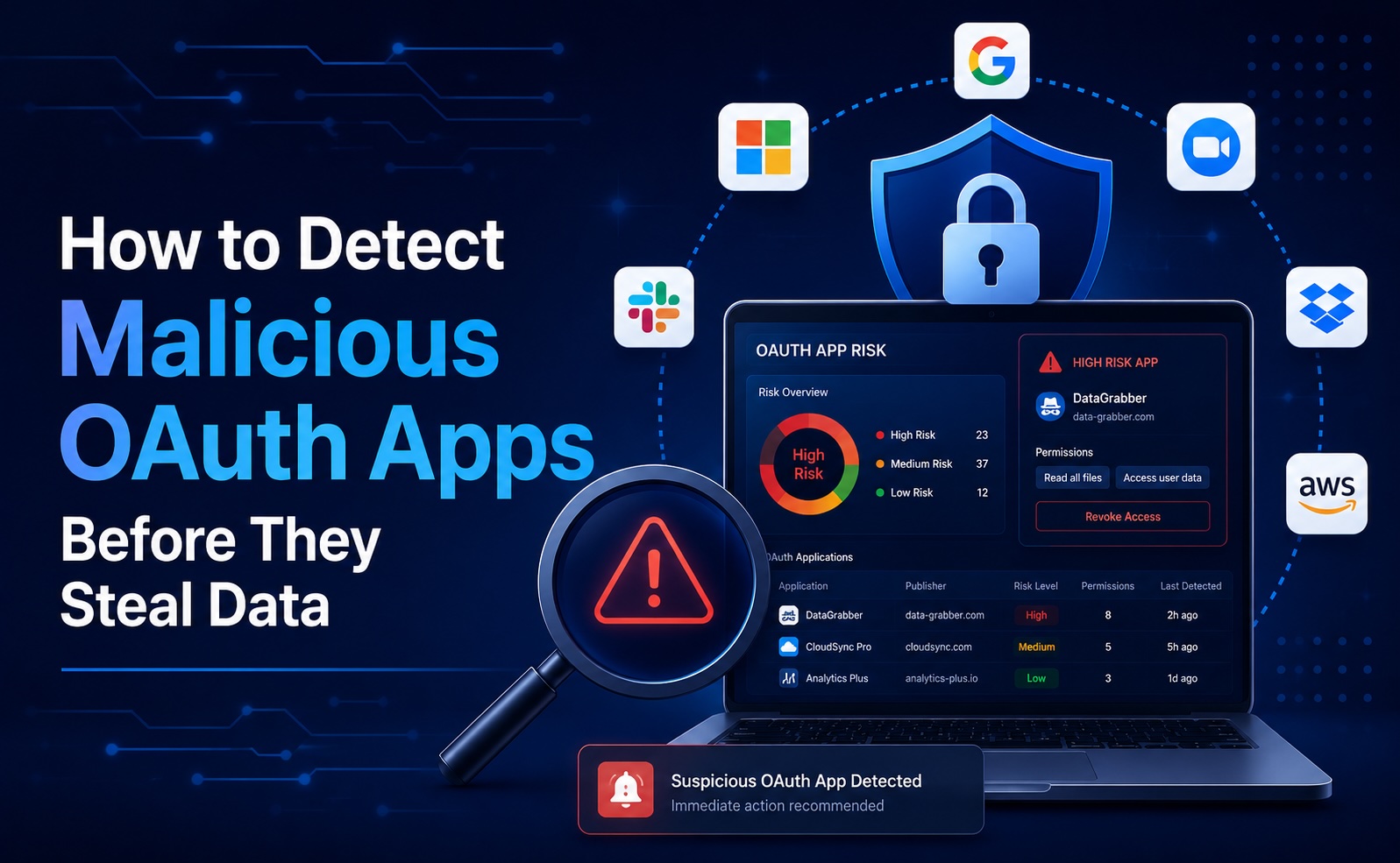
Malicious OAuth apps are the SaaS attack technique that bypasses MFA, never expires, and leaves no DLP log line. This guide explains how OAuth consent phishing works, the detection signals that expose a malicious grant, and a platform-by-platform response playbook for Google Workspace and Microsoft Entra ID.
- A malicious OAuth app tricks a user into granting it access through a normal consent screen — no stolen password, no MFA prompt to defeat, and the access persists until someone revokes it.
- OAuth consent phishing has overtaken credential phishing as the preferred way into SaaS environments because it sidesteps the controls most teams rely on.
- 2026 has made this concrete: the EvilTokens phishing-as-a-service platform compromised 340+ Microsoft 365 organizations within five weeks, and the Storm-1286 campaign used consent phishing at scale.
- You detect malicious grants by their signals: suspicious scopes, rare or unverified publishers, unusual API activity, and several users authorizing the same uncommon app.
- The durable defense is continuous OAuth monitoring plus admin-consent policies — not user training alone.
What Is a Malicious OAuth App?
A malicious OAuth app is a third-party application registered by an attacker that requests access to a victim's SaaS data through the standard OAuth consent flow. When the user clicks “Allow,” the app receives a token with the scopes it asked for — often mailbox read, Drive read, or send-as permissions.
What makes this dangerous is what it skips. The attacker never sees the password. Multi-factor authentication is irrelevant because the user is the one authenticating. And the resulting token doesn't expire on a password change — it lives until an administrator explicitly revokes the grant. To most SIEMs and CASBs, a malicious OAuth grant looks identical to a legitimate one.
How OAuth Consent Phishing Works
The attack flow is short and effective:
- The attacker registers an app with a name that mimics a legitimate service (“Document Viewer,” “Mail Backup,” a near-clone of a known vendor).
- They send a phishing link that leads to a real, provider-hosted consent screen — Google's or Microsoft's — which is exactly why it's convincing. The page is genuine; only the app behind it is hostile.
- The user clicks “Allow,” granting the requested scopes. No credential is entered into anything attacker-controlled.
- The app calls the provider's API to read mail, exfiltrate files, set up forwarding rules, or send phishing from the victim's account — often quietly, over weeks.
Because the consent step happens on the provider's own domain, traditional anti-phishing controls that look for fake login pages don't fire.
The 2026 OAuth Threat Landscape
This is not theoretical. Security researchers and providers have documented a sharp rise in OAuth-based attacks through 2025–2026:
- The EvilTokens phishing-as-a-service platform went live in February 2026 and compromised more than 340 Microsoft 365 organizations across five countries within five weeks (The Hacker News).
- The Storm-1286 campaign used OAuth consent phishing across Microsoft 365 environments, registering apps that mimicked legitimate services to harvest access.
- Microsoft's own guidance now treats consent phishing as a first-class threat, with detection mechanisms spanning app creation, consent, and publisher verification (Microsoft Entra blog).
- Cloud security teams have published detailed detection patterns for malicious application consent (Datadog Security Labs) and the broader class of OAuth vulnerabilities (Obsidian Security).
The common thread: OAuth grants are durable, identity-layer access that most legacy controls never inspect.
Detection Signals: How to Spot a Malicious OAuth App
You catch malicious grants by their behavior and metadata, not by a signature. Watch for:
- Excessive or sensitive scopes. Mail.Read, Mail.Send, Files.Read.All, full Drive, or directory-wide access requested by an app whose stated function doesn't justify it.
- Rare or unverified publisher. No verified-publisher badge, a recently registered app, or a publisher you can't identify.
- Name mimicry. App names that impersonate known vendors or generic-but-trustworthy labels (“Secure Mail,” “Cloud Backup”).
- Unusual API activity after consent. Bulk message reads, new mailbox forwarding rules, or API calls that don't match any approved workflow — especially shortly after the grant.
- Many users authorizing the same uncommon app. A cluster of consents to an app nobody recognizes is a strong campaign indicator.
- Dormant or forgotten grants. Long-lived tokens that haven't been used in months are both a sign of risk and a cleanup target.
Response Playbook
When you find a suspicious grant, act on both the immediate incident and the structural gap.
Immediate response
- Revoke the grant and invalidate the tokens for the offending app across every affected user.
- Hunt for impact: check for mailbox forwarding rules, inbox rules, sent items, and Drive sharing changes created after the consent timestamp.
- Rotate any secrets the app could have accessed, and notify affected users.
Google Workspace
- In Security → API controls → App access control, set unconfigured third-party apps to Blocked so users can't grant access by default.
- Move to an allow-list for apps requesting restricted scopes; require admin review for Gmail and Drive access.
Microsoft Entra ID

- Disable end-user consent (Enterprise applications → Consent and permissions) and route requests through an admin consent workflow.
- Enable publisher verification requirements and review the risky applications signals Entra surfaces.
Close the gap structurally
Training reduces clicks but never eliminates them, and a single successful consent is enough. The durable control is continuous OAuth monitoring that inventories every grant, scores it by scope and publisher, and alerts the moment a new high-risk app appears. Pair this with the recurring housekeeping in our OAuth app audit guide and the broader shadow IT detection process.
FAQs
What is a malicious OAuth app?
A malicious OAuth app is a third-party application registered by an attacker that requests access to a victim's SaaS data through a legitimate consent screen. When the user approves it, the app receives a token with the requested scopes and can read mail, exfiltrate files, or send messages — without ever stealing a password.
Why do OAuth apps bypass MFA?
Because the user authenticates legitimately during the consent flow. MFA protects the login; it does not gate what an already-authenticated user is allowed to grant. The resulting token is valid until revoked and survives password changes, so it bypasses the controls most teams rely on.
What is OAuth consent phishing?
Consent phishing is an attack that tricks a user into granting OAuth permissions to a malicious app via a real, provider-hosted consent screen. Because the page is genuine (Google's or Microsoft's), it defeats anti-phishing controls that look for fake login pages.
How do I detect malicious OAuth apps?
Inventory every OAuth grant and flag the high-risk signals: sensitive scopes (mail/Drive/directory), unverified or recently registered publishers, name mimicry, unusual API activity after consent, and many users authorizing the same uncommon app. Continuous monitoring catches new grants the day they happen.
How do I remove a malicious OAuth app?
Revoke the grant and invalidate its tokens for all affected users, then hunt for impact — mailbox forwarding rules, inbox rules, and sharing changes created after the consent. In Google Workspace use App access control; in Entra ID disable user consent and require admin approval.
How can I prevent OAuth consent phishing?
Restrict end-user consent so high-scope grants require admin approval, require verified publishers, block unconfigured third-party apps by default, and run continuous OAuth monitoring. User training helps but is not sufficient on its own, since one successful consent is enough.
How does Synk.to help detect malicious OAuth apps?
Synk.to connects to Google Workspace or Microsoft Entra ID via OAuth and produces a complete inventory of every third-party app, the users who consented, the scopes granted, and a per-app risk score tuned for sensitive and AI-related scopes — in under five minutes. It alerts on new high-risk grants and supports one-click revocation. Start free.